
Web accessibility is no longer something businesses can afford to treat as an afterthought. Websites need to be usable by people with different disabilities, including those who rely on screen readers, keyboard navigation, voice controls, or other assistive technologies. For organizations working toward accessibility standards such as the Web Content Accessibility Guidelines (WCAG), one of the biggest questions is whether to use an accessibility overlay, invest in manual remediation, or combine different accessibility practices.
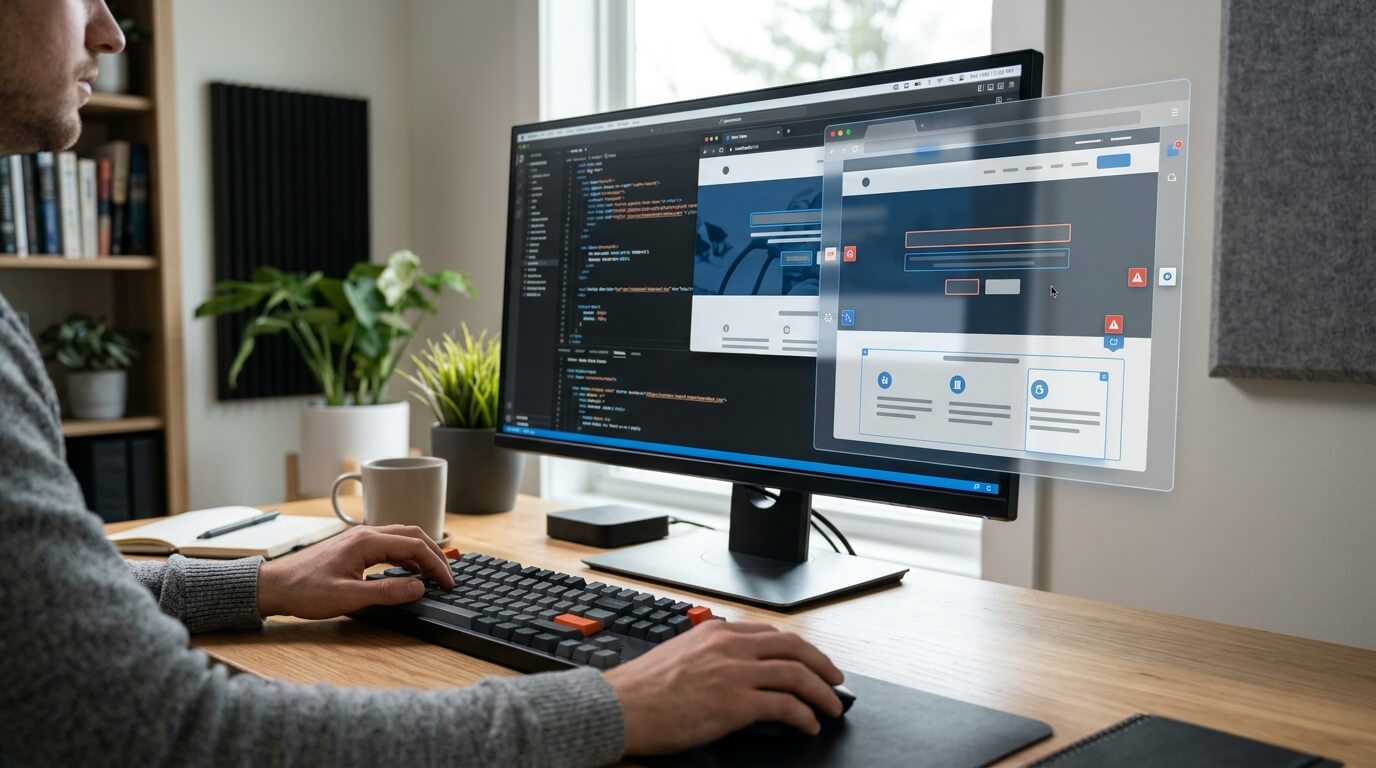
Accessibility overlays are often promoted as a fast and convenient way to improve a website. They typically add a JavaScript-based layer to an existing website and may provide features such as text resizing, contrast adjustments, cursor changes, and other user controls. Some products also claim to automatically identify and correct accessibility problems.
Manual remediation takes a different approach. Instead of placing a layer over an existing website, developers identify accessibility barriers and fix them directly in the website's HTML, CSS, JavaScript, templates, documents, and other underlying components.
The difference between these approaches is important. An overlay can provide useful accessibility enhancements, but it should not automatically be considered a replacement for fixing accessibility problems at their source. Webmax's discussion of overlays and full remediation highlights this distinction, while its other accessibility resources also acknowledge that a toolbar alone is not enough to address every accessibility issue.
What Is an Accessibility Overlay?
An accessibility overlay is a technology layer that sits on top of a website's existing code. It is generally installed by adding a JavaScript snippet to a website.
Once installed, the overlay can provide visitors with controls that allow them to customize aspects of their browsing experience. Depending on the product, these controls may include:
- Increasing or decreasing font size
- Adjusting color contrast
- Changing cursor size
- Highlighting links
- Modifying spacing
- Adjusting visual presentation
- Providing keyboard-oriented navigation features
- Offering text-to-speech or audio-related functions
These features can make a website easier to use for some visitors. Webmax, for example, describes more than 30 accessibility-related features that allow users to adjust aspects of the website according to their individual needs.
An overlay can therefore be useful as an additional layer of accessibility support. However, there is an important distinction between helping users customize a website and fixing the website's underlying accessibility problems.
A visitor-facing control may allow someone to increase text size, but it does not necessarily fix an incorrectly coded heading structure. A contrast setting may change how colors appear for one visitor, but it does not necessarily correct the underlying color choices in the site's design system.
This is why organizations should understand exactly what an overlay does before treating it as their complete accessibility strategy.
What Is Manual Remediation?
Manual remediation means identifying accessibility problems and correcting them directly in a website's underlying code and content.
The process generally starts with an accessibility audit. Automated testing tools can help identify detectable problems, but human testing is also important because many accessibility issues require context and judgment.
Developers or accessibility specialists may then address issues such as:
- Missing or inaccurate alternative text
- Incorrect heading structures
- Missing form labels
- Keyboard navigation problems
- Poor focus management
- Incorrect ARIA implementation
- Insufficient color contrast
- Inaccessible menus, modals, sliders, and other interactive components
- Incorrect semantic HTML
- Accessibility problems in PDFs and other documents
- Inaccessible multimedia content
Manual remediation addresses the actual source of the problem rather than placing a separate layer over it.
For example, if a form field does not have a properly associated label, the developer can correct the HTML so that the label and form control are properly connected. If a modal cannot be operated with a keyboard, the developer can modify the component's code to ensure keyboard users can enter, navigate, and exit the modal appropriately.
Accessibility Overlay vs. Manual Remediation
The most significant difference is where the accessibility work takes place. An overlay primarily works at the presentation or browser layer. Manual remediation works directly within the website itself.
|
Factor |
Accessibility Overlay |
Manual Remediation |
|
Implementation |
Usually requires adding a script |
Requires changes to website code and content |
|
Deployment speed |
Generally fast |
Usually takes more time |
|
Upfront effort |
Lower |
Higher |
|
Source-code changes |
Limited or none |
Yes |
|
User customization |
Often available |
Depends on website implementation |
|
Complex accessibility issues |
Limited |
Can address them directly |
|
Ongoing maintenance |
Provider updates may help |
Website team must maintain fixes |
|
Documents such as PDFs |
Generally limited |
Can be remediated separately |
|
Dynamic components |
Limited ability to address underlying issues |
Can be fixed at the source |
|
Overall role |
Supplementary accessibility enhancement |
Core accessibility remediation |
The table shows why the two approaches should not always be viewed as direct substitutes. They address accessibility from different angles.
The Advantages of Accessibility Overlays
One of the biggest benefits of an accessibility overlay is speed. Installing an overlay can be considerably faster than reviewing and modifying a large website page by page. A business with an extensive website may find it useful as an immediate way to provide visitors with additional customization features.
- Quick Implementation
Many overlays can be installed using a small amount of JavaScript. Webmax, for example, describes an installation process that involves adding a JavaScript snippet to a website. This can make an overlay attractive to businesses that do not have an internal accessibility or development team.
- User-Controlled Features
Accessibility overlays can give visitors control over certain aspects of their browsing experience.
Someone with low vision may benefit from larger text. Another visitor may find increased contrast or highlighted links easier to use. A person with certain motor difficulties may benefit from keyboard-related functionality. These features can provide genuine value when they are implemented properly.
- Useful as an Additional Layer
An overlay can be particularly useful when a website is already being improved through accessibility remediation. In this situation, it can supplement the site's accessibility rather than being expected to solve every underlying problem
Webmax itself notes that a toolbar can improve the user experience, while also acknowledging that backend work is needed to address accessibility for people using assistive technologies such as screen readers.
The Limitations of Accessibility Overlays
The biggest problem with relying exclusively on an overlay is that many accessibility barriers exist within the website's underlying structure. An overlay may modify what a visitor sees or how certain elements behave, but that does not mean the original accessibility problem has been permanently corrected
- It Does Not Fix Every Source-Code Problem
Consider a website that uses a <div> instead of an appropriate button element. The underlying semantic problem still exists unless the site's code is corrected.
Similarly, an overlay cannot reliably solve every problem involving:
- Semantic HTML
- Heading hierarchy
- Form labeling
- ARIA implementation
- Keyboard focus
- Complex interactive components
- Meaningful alternative text
- Accessible error messaging
- Video captions
- Accessible PDFs
These problems require attention to the actual website, content, or digital document
- Some Accessibility Issues Require Human Judgment
Automated technology can identify many technical issues, but accessibility is not entirely a technical checklist. For example, simply adding alt text to an image does not guarantee that the alt text is useful. Someone needs to determine what information the image communicates and whether that information is relevant to the surrounding content. The same principle applies to headings, links, forms, instructions, and complex interactions.
- It Can Create a False Sense of Completion
One of the most important risks is assuming that installing a widget means the website is fully accessible. Accessibility should be treated as an ongoing process involving testing, remediation, monitoring, content management, and development practices. Webmax's own material distinguishes between an accessibility widget and the broader work required to address accessibility issues.
- It Cannot Replace Accessible Content
If a website contains an inaccessible PDF, an incorrectly structured document, or a video without appropriate accessibility features, placing a widget on the website does not automatically make that content accessible. The underlying content still needs to be reviewed and remediated.
The Advantages of Manual Remediation
Manual remediation requires more effort, but it provides a more direct way to address accessibility barriers.
- Problems Are Fixed at the Source
The primary benefit is that developers correct the actual website rather than relying on a separate layer.
For example, developers can:
- Add meaningful alt text to images
- Correct heading structures
- Associate labels with form fields
- Improve keyboard navigation
- Fix focus management
- Correct ARIA attributes
- Improve semantic HTML
- Address contrast problems
- Make interactive components accessible
These changes become part of the website itself.
- It Can Address Complex Accessibility Barriers
Some accessibility problems are too complex for automated overlays to resolve reliably. A custom JavaScript application, for example, may require carefully designed keyboard behavior, focus management, announcements, and state changes. Developers can modify the component itself to address these requirements.
- It Supports a Better Long-Term Strategy
When accessibility is incorporated into development processes, organizations can reduce the likelihood of repeatedly introducing the same problems. Teams can establish accessibility requirements for new designs, components, content, and software updates. This turns accessibility from a one-time project into an ongoing development practice.
The Disadvantages of Manual Remediation
Manual remediation is not without challenges.
- It Requires More Time
A detailed audit followed by development work can take considerably longer than installing an accessibility script.
The amount of time required depends on factors such as:
- Website size
- Number of templates
- Code quality
- Content volume
- Number of interactive components
- Third-party integrations
- CMS configuration
- Existing accessibility problems
A small marketing website may require relatively limited work, while a large ecommerce platform or web application can require extensive remediation.
- It Requires Technical Expertise
Manual remediation often involves developers and accessibility specialists who understand WCAG requirements, semantic HTML, ARIA, keyboard interaction, assistive technologies, and accessible design. Organizations without this expertise may need to hire external professionals or train their internal teams.
- It Requires Ongoing Maintenance
Fixing a website once does not guarantee that it will remain accessible forever. New pages, plugins, redesigns, content updates, and third-party integrations can introduce new barriers. Accessibility therefore needs to be included in the website's regular testing and maintenance process.
Which Approach Should You Choose?
For most organizations, the better question is not simply whether to choose an overlay or manual remediation. Instead, businesses should determine what role each technology can appropriately play within a broader accessibility strategy.
If a website has significant accessibility problems, manual remediation should be a priority. The goal should be to identify and correct barriers at the source.
An overlay can then serve as an additional user-experience feature where appropriate. It may provide visitors with personalization options that make an already accessible website more comfortable to use
This difference is particularly important because accessibility tools should not be treated as a guarantee of legal compliance. Webmax's resources note that there is no official certification for ADA Title III website compliance, while also discussing the importance of WCAG-based accessibility practices.
Can You Use an Overlay and Manual Remediation Together?
Yes. Using both can make sense when each has a clearly defined role.
A practical strategy might look like this:
Step 1: Audit the website
Start by identifying accessibility barriers through automated testing and manual evaluation.
Step 2: Prioritize serious issues
Focus first on barriers that prevent people from accessing essential content or functionality.
Step 3: Remediate the source code
Have developers fix structural, semantic, interactive, and content-related issues directly.
Step 4: Test with assistive technologies
Test the website using keyboards, screen readers, and other relevant assistive technologies.
Step 5: Add appropriate accessibility enhancements
If useful, introduce an overlay or accessibility widget to provide additional personalization features.
Step 6: Monitor continuously
Continue testing after redesigns, content updates, plugin changes, and other website modifications.
This approach avoids treating an overlay as a substitute for genuine remediation.
Accessibility Is More Than a Toolbar
One of the clearest lessons from the overlay versus remediation debate is that accessibility cannot be reduced to a floating toolbar.
A toolbar can give users helpful controls, but accessibility also depends on how a website is structured, coded, written, designed, and maintained.
A screen reader user needs properly structured content. A keyboard user needs reliable focus and navigation. A person with cognitive disabilities may need clear instructions and predictable interactions. A person with low vision may need sufficient contrast and scalable content.
These needs cannot always be addressed by a single layer of JavaScript.
Webmax's own guidance recognizes this difference. Its accessibility widget can enhance the browsing experience, but the company also discusses backend work and website coding as part of creating an accessible digital experience.
Final Take From Webmax
The debate between accessibility overlays and manual remediation should not come down to choosing the fastest or cheapest option. The more important question is whether the approach actually removes barriers for people with disabilities.
Accessibility overlays can offer useful customization features and can be deployed quickly. They may have a place in an overall accessibility strategy, particularly when used as an enhancement
Manual remediation, however, addresses accessibility problems within the website itself. It can tackle structural, semantic, content, and interactive barriers that a front-end overlay cannot reliably resolve.
For organizations serious about accessibility, the strongest strategy is to build accessibility into the website from the ground up, conduct regular testing, fix problems at the source, and use additional accessibility tools where they genuinely improve the user experience.
Ultimately, an accessible website is not defined by whether it has an accessibility icon in the corner. It is defined by whether people with disabilities can independently access, navigate, understand, and use the website's content and functionality.