
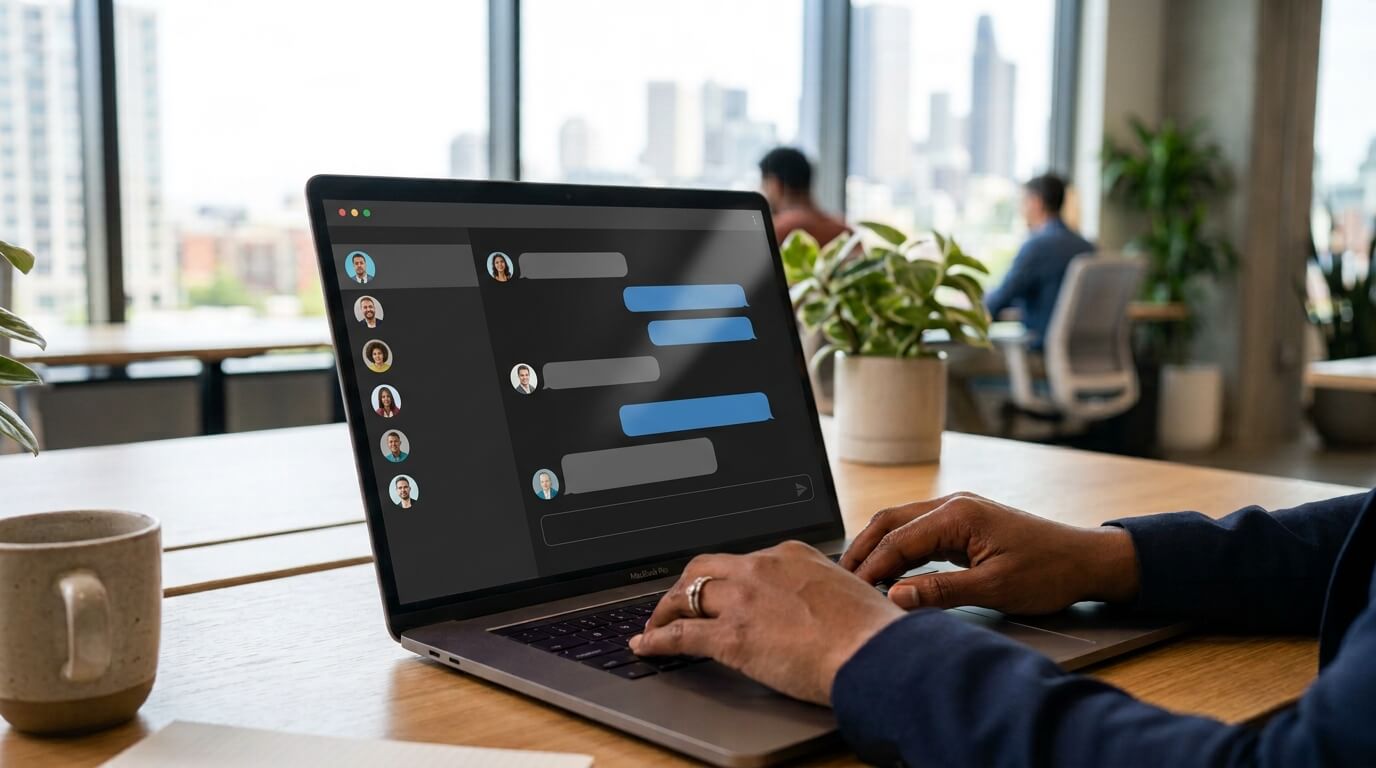
A chatbot or live chat widget is often the fastest way for customers to get help on a website. Whether someone wants to ask a question about a product, schedule an appointment, or contact customer support, chat provides immediate assistance without requiring a phone call or email.
However, a chat widget is only valuable if everyone can use it. If visitors cannot open the chat using a keyboard, if screen readers cannot understand its controls, or if the text is difficult to read due to poor color contrast, the widget becomes another digital barrier.
Accessible chatbot and live chat widget design ensure that every visitor, including people with disabilities, can communicate with your business independently. It also helps organizations comply with accessibility standards while improving the overall user experience.
In this guide, we will explore what makes a chatbot accessible, why accessibility matters, and how to create an accessible chatbot design for inclusive chat experiences.
What Is an Accessible Chatbot or Live Chat Widget?
An accessible chatbot or live chat widget is a communication tool designed to enable people with different abilities to interact with it effectively.
This includes users who:
- Use screen readers
- Navigate websites using only a keyboard
- Have low vision or color blindness
- Experience limited mobility
- Have cognitive or learning disabilities
- Rely on voice control or other assistive technologies
Accessibility means that every function, from opening the chat window to sending a message, should be available without unnecessary barriers. Rather than creating a separate experience for users with disabilities, accessible design creates one experience that works well for everyone.
Why Chat Accessibility Matters
Live chat has become one of the primary communication channels for businesses. For many users, especially those who cannot comfortably use voice communication, chat is the preferred method of contacting customer support.
For example, someone with hearing loss may depend on live chat instead of phone support. Similarly, users with speech impairments often find chat much easier than making a phone call. An inaccessible chat widget can prevent these users from receiving assistance altogether.
Accessibility also benefits users without disabilities. Clear navigation, readable text, logical layouts, and predictable interactions improve usability for every visitor.
Businesses that prioritize accessible communication often experience:
- Better customer satisfaction
- Increased engagement
- Higher conversion rates
- Improved brand reputation
- Reduced legal risk
Read how to test your website for accessibility
Accessibility Standards That Apply to Chat Widgets
Although there is no accessibility standard written specifically for chat widgets, they are expected to follow the same requirements that apply to websites and web applications. The most widely recognized standard is the Web Content Accessibility Guidelines (WCAG).WCAG is built around four core principles, often called POUR:
Perceivable
Users must be able to perceive the information presented by the chat interface.
Examples include:
- Sufficient color contrast
- Text alternatives for icons
- Visible labels
- Support for screen readers
Operable
Visitors must be able to operate every feature of the widget.
This includes:
- Keyboard accessibility
- Visible keyboard focus
- Logical tab order
- No interaction that requires a mouse
Understandable
The chat should be easy to understand.
Good practices include:
- Simple language
- Clear instructions
- Predictable navigation
- Helpful error messages
Robust
The widget should work reliably across browsers, devices, and assistive technologies. Proper HTML structure and semantic markup help ensure compatibility with current and future accessibility tools.
Essential Features of an Accessible Chat Widget
Full Keyboard Navigation
One of the most important accessibility requirements is complete keyboard support.
Every user should be able to:
- Open the chat widget
- Navigate through menus
- Read previous messages
- Type responses
- Send messages
- Close the widget
All without touching a mouse. Keyboard users typically navigate using the Tab, Shift + Tab, Enter, Space, and arrow keys. If any control cannot be reached from the keyboard, the widget fails an important accessibility requirement.
Visible Keyboard Focus
Keyboard users require a clear indication of their current position on the page. Every interactive element should display a highly visible focus indicator. Without a visible focus, users can become lost while navigating the conversation.
Screen Reader Compatibility
Screen readers convert digital content into speech or Braille output.
An accessible chatbot should:
- Properly label buttons
- Announce new messages
- Identify conversation status
- Describe form fields
- Provide meaningful names for icons
Using semantic HTML and appropriate ARIA attributes allows assistive technologies to communicate the chat interface accurately.
Sufficient Color Contrast
Low contrast is one of the most common accessibility issues. Text inside the chat window should remain readable against its background. WCAG generally recommends a minimum contrast ratio of 4.5:1 for normal text. Many modern chat platforms now provide accessible default color themes that meet these requirements, but custom branding colors should also be checked before deployment.
Accessible Buttons and Icons
Many chat widgets rely heavily on icons.
Examples include:
- Send button
- Close button
- Minimize button
- Emoji selector
- Attachment button
Icons alone are not sufficient. Every interactive icon should include an accessible name so screen readers can identify its purpose.
Logical Focus Management
When a chat window opens, keyboard focus should move into the chat interface. When the user closes the chat, focus should return to the button that originally opened it. This creates a predictable navigation experience. Users should never become trapped inside the widget, nor should keyboard focus disappear unexpectedly.
Accessible Notifications
Many chat widgets display:
- New message alerts
- Typing indicators
- Agent joined notifications
These updates should also be announced to screen readers without interrupting the user's current task. Proper use of live regions helps assistive technologies communicate dynamic updates effectively.
Clear, Simple Language
Accessibility is not limited to technical implementation. The chatbot's content should also be easy to understand.
Avoid:
- Technical jargon
- Long paragraphs
- Confusing instructions
- Ambiguous responses
Short, direct messages improve communication for everyone.
Responsive Design
Users access websites from desktops, tablets, and smartphones.
An accessible chat widget should adapt gracefully to different screen sizes without:
- Hiding important controls
- Cutting off content
- Preventing scrolling
- Overlapping essential page elements
Responsive layouts help ensure usability across all devices.
Common Accessibility Mistakes in Chat Widgets
Many chat implementations introduce barriers without developers realizing it.
Some common mistakes include:
Mouse-Only Interaction
If users cannot open or operate the widget using only a keyboard, the chat excludes many visitors.
Poor Color Choices
Brand colors sometimes reduce text contrast below WCAG recommendations. Always verify custom color combinations before publishing.
Missing Labels
Buttons that only display icons often lack accessible names. Screen reader users may simply hear "button" without any indication of its purpose.
Focus Traps
Improper focus handling can trap keyboard users inside the widget or allow focus to move behind an open modal, making navigation confusing.
Auto-Opening Chat Windows
Automatically launching chat windows can interrupt screen reader users and keyboard navigation. If proactive chat is used, it should not unexpectedly steal keyboard focus.
Accessibility Testing for Chat Widgets
Testing is essential because accessibility cannot be guaranteed through code review alone.
A thorough evaluation should include:
Keyboard Testing
Navigate every chat feature using only the keyboard. Confirm that all controls remain reachable.
Screen Reader Testing
Test using popular screen readers such as:
- NVDA
- JAWS
- VoiceOver
Ensure messages, controls, and status updates are announced correctly.
Color Contrast Testing
Verify all text, buttons, links, and interface elements meet WCAG contrast requirements.
Mobile Testing
Evaluate the widget on smartphones and tablets. Confirm that zooming, touch targets, and orientation changes do not create usability problems.
Real User Testing
Whenever possible, involve people with disabilities during usability testing. Their feedback often identifies issues that automated tools cannot detect.
Accessibility and AI Chatbots
As AI-powered chatbots become more common, accessibility remains equally important
An accessible AI chatbot should:
- Accept keyboard input
- Produce readable responses
- Work with screen readers
- Support clear conversation flow
- Avoid relying solely on visual content
If the chatbot presents product cards, buttons, or interactive elements, each should remain fully accessible. Artificial intelligence should enhance accessibility rather than introduce new barriers.
Best Practices Checklist
Use this checklist before publishing a chatbot or live chat widget:
- Ensure complete keyboard navigation.
- Maintain visible keyboard focus.
- Support screen readers with proper labels and announcements.
- Meet WCAG color contrast requirements.
- Use simple, easy-to-understand language.
- Manage keyboard focus correctly when opening and closing chat.
- Label every icon and interactive control.
- Test on desktop and mobile devices.
- Verify compatibility with assistive technologies.
- Conduct regular accessibility testing as updates are released.
The Business Benefits of Accessible Chat Design
Accessibility is often viewed as a compliance requirement, but it also delivers measurable business value.
An inclusive chat experience can:
- Expand your potential customer base
- Improve customer satisfaction
- Reduce abandoned support requests
- Strengthen customer trust
- Demonstrate your commitment to digital inclusion
Organizations that invest in accessibility often discover that improvements made for users with disabilities also create a smoother experience for every visitor.
Key Advice from Webmax
A chatbot should make communication easier, not create another obstacle for users seeking help. Whether your website relies on a simple live chat widget or an advanced AI assistant, accessibility should be part of the design process from the beginning.
By following WCAG principles, supporting keyboard navigation, ensuring screen reader compatibility, maintaining sufficient color contrast, and testing with real users, you can create a chat experience that works for everyone.
Accessible chatbot and live chat widget design is not just about meeting technical standards. It is about ensuring that every visitor has an equal opportunity to ask questions, receive support, and interact with your business confidently.