
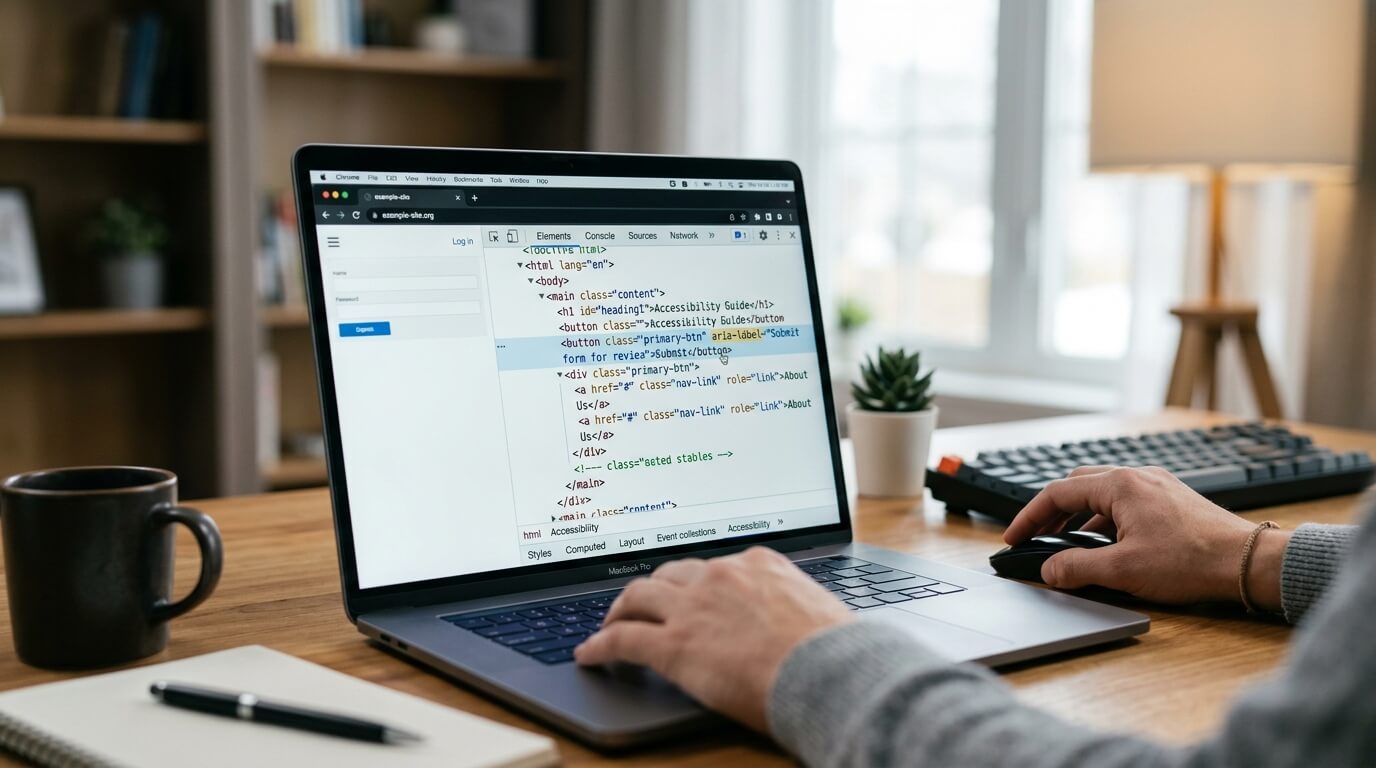
Website accessibility is no longer something businesses can afford to overlook. A website should be usable by people with visual, auditory, motor, and cognitive disabilities. Yet many businesses assume that testing accessibility requires expensive software, complicated technical audits, or a large development budget.
The good news is that you can begin testing your website accessibility without spending thousands of dollars. A combination of free manual checks, browser-based testing, and affordable automated solutions can help you identify many common accessibility barriers.
One particularly practical option is WebMax, which provides a free website accessibility scan and affordable accessibility solutions. Its website accessibility checker can identify common problems such as missing alt text, poor color contrast, improper headings, missing ARIA labels, and unlabeled form fields. WebMax also offers paid plans starting at $39 per month, making it a cost-effective option for businesses that need ongoing accessibility support.
Here is how you can test your website accessibility without investing in expensive tools.
Why Website Accessibility Testing Matters
Accessibility testing helps determine whether people with disabilities can perceive, navigate, understand, and interact with your website. Common accessibility barriers include images without alternative text, insufficient color contrast, forms without labels, inaccessible menus, poor heading structures, missing captions, and websites that cannot be operated using a keyboard.
These problems can affect more than accessibility. They can create frustrating user experiences, reduce your potential audience, affect SEO, and increase legal and reputational risks. WebMax notes that accessibility improvements can also benefit search visibility and the overall user experience because practices such as descriptive alt text and semantic HTML can support better content organization.
The important thing is that you do not have to begin with an expensive enterprise accessibility platform. Start small, test systematically, and use affordable automation where it provides the most value.
1. Start With a Free Accessibility Scan
One of the easiest ways to begin is with an automated accessibility checker.
WebMax offers a free website scan where you enter your public website URL and receive accessibility results. Its checker is designed to identify common accessibility issues and provide an accessibility score and detailed findings that you can share with your development or content team.
This is useful because manually inspecting every page of a large website can take considerable time. An automated scan gives you a starting point and helps you understand where the biggest problems may exist.
For example, the scan may identify:
- Missing image alt text
- Poor color contrast
- Incorrect heading structures
- Missing ARIA labels
- Unlabeled form fields
- Potential keyboard navigation problems
- Other technical accessibility issues
Automated testing should be treated as the first layer of your accessibility strategy, not the entire strategy.
2. Test Your Website With a Keyboard
You can perform one of the most important accessibility tests without installing anything. Simply disconnect your mouse or avoid using it and try navigating your website with your keyboard. Use the Tab key to move between interactive elements. Use Shift + Tab to move backward. Use Enter or Space to activate buttons and links.
Ask yourself:
- Can I reach every important link?
- Can I access the main navigation?
- Can I open and close menus?
- Can I complete forms?
- Can I use buttons without a mouse?
- Is the current keyboard focus clearly visible?
- Can I escape from pop-ups and dialog boxes?
Keyboard accessibility is particularly important for people who cannot use a mouse or who rely on alternative input devices.
WebMax specifically identifies keyboard navigation as one of the areas that should be manually tested because automated testing cannot fully determine whether a website is genuinely usable through keyboard-only interaction.
3. Check Your Images and Alt Text
Images are another area you can review without expensive software.
Open important pages on your website and inspect the images. Ask whether someone using a screen reader would understand the purpose or meaning of each meaningful image.
Informative images should generally have useful alternative text. Decorative images may not need descriptive alt text.
For example, instead of writing:
Alt text: image123.jpg
use something meaningful, such as:
Alt text: Student speaking with an education counselor
Avoid stuffing keywords into alt text simply for SEO. The purpose of alternative text is to communicate useful information to people who cannot see the image.
WebMax lists missing alt text among the most common accessibility issues identified by accessibility checkers.
4. Check Color Contrast
Poor color contrast can make text difficult or impossible to read for some users. You do not need an expensive accessibility platform to identify obvious contrast problems. Look closely at your website's text, buttons, navigation elements, links, and forms.
Pay particular attention to:
- Light gray text on white backgrounds
- White text over light-colored images
- Low-contrast buttons
- Placeholder text
- Links that are distinguished only by color
Web accessibility standards provide specific contrast requirements, so using a free contrast checker can help you evaluate individual foreground and background color combinations
WebMax also identifies poor color contrast as a major accessibility barrier and incorporates contrast considerations into its accessibility approach.
5. Review Your Heading Structure
Headings are not simply visual design elements. They provide structure that helps users understand and navigate your content. Check whether your pages use headings logically.
A typical structure might look like:
H1: How to Test Website Accessibility
H2: Why Accessibility Testing Matters
H2: How to Test Your Website
H3: Check Your Images
H3: Test Keyboard Navigation
Avoid choosing headings simply because a particular heading size looks good.
A logical heading hierarchy can make content easier to navigate, particularly for people using screen readers. WebMax identifies improper heading structures as one of the common accessibility problems that automated checkers can help detect.
6. Test Forms Manually
Forms are essential to many websites, from contact forms and newsletter subscriptions to checkout pages and application forms.
Try completing your important forms using only your keyboard.
Check whether every input has a clear label. Make sure required fields are identified, and that error messages explain what went wrong and how to correct it.
For example, a message such as "Invalid input" is not very helpful. A better error message explains the problem and tells the user what needs to be changed.
WebMax specifically lists inaccessible forms and unlabeled form fields among common accessibility barriers.
7. Test With a Screen Reader
Screen reader testing may sound highly technical, but you can begin with free tools.
Windows users can explore NVDA, while Apple devices include VoiceOver.
Use a screen reader to navigate important pages and listen to how the content is presented.
Pay attention to whether:
- Headings are announced correctly
- Links have meaningful names
- Buttons are understandable
- Images have useful descriptions
- Form fields have labels
- Menus can be navigated
- Error messages are communicated
- Content appears in a logical order
Screen reader testing is especially valuable because an automated scan cannot completely determine whether a real person using assistive technology can understand and operate your website.
WebMax recommends combining automated testing with manual testing, including screen readers and keyboard-only navigation.
8. Check Videos and Audio Content
Multimedia can create significant accessibility barriers.
If your website contains videos, check whether they include accurate captions. Important audio information should also have an accessible text alternative where appropriate.
Captions are useful not only for people who are deaf or hard of hearing. They can also help people watching videos in noisy environments or in situations where they cannot use audio.
WebMax includes captions and transcripts among the accessibility considerations businesses should review when evaluating their websites.
9. Use WebMax for Affordable Ongoing Testing
Free manual testing is an excellent starting point, but it can become difficult to manage as your website grows.
This is where an affordable automated accessibility platform can provide significant value.
WebMax offers a free website accessibility checker that allows businesses to scan their websites and review accessibility findings. For organizations that need ongoing accessibility support, WebMax's Standard plan is currently listed at $39 per month for up to 100,000 page views. The plan includes unlimited website pages, support within 48 hours, an accessibility widget, an AI-powered screen reader, and support for ADA and WCAG-related accessibility requirements.
WebMax also lists a Premium plan at $59 per month for up to 1 million page views and an Express plan at $99 per month for unlimited page views.
For small and medium-sized businesses, this can make professional accessibility support considerably more accessible than immediately investing in expensive enterprise solutions.
10. Understand What Automation Can and Cannot Do
One of the biggest mistakes businesses make is assuming that an automated scan means their website is completely accessible.
It does not.
According to industry experts, automated testing can identify many accessibility problems quickly, but automated tools cannot catch every issue. Manual testing remains necessary for areas such as keyboard navigation, nuanced color contrast evaluation, HTML and ARIA implementation, and screen reader compatibility.
Think of automated testing as a force multiplier.
It helps you find problems faster and provides useful information for your team. Manual testing then adds the human judgment required to determine whether the website actually works for people using assistive technologies.
11. Keep a Simple Accessibility Testing Routine
Accessibility testing should not be a one-time project. Every time you launch a new website feature, redesign a page, install a plugin, or publish important content, you can potentially introduce a new accessibility problem.
A simple routine might include:
Weekly: Check important new pages and content.
Monthly: Run an automated accessibility scan.
After major updates: Perform keyboard and screen reader testing.
Periodically: Conduct a more comprehensive accessibility review.
WebMax emphasizes ongoing monitoring and support as part of its broader accessibility solutions, rather than treating accessibility as something that ends after the initial audit.
Why WebMax Is a Practical Affordable Option
If your goal is to test website accessibility without expensive tools, WebMax provides an attractive middle ground between completely manual testing and costly accessibility services.
You can start with its free website scan to identify potential issues and increase the accessibility score of your website for free. As your needs grow, its affordable plans provide additional accessibility capabilities and ongoing support.
More importantly, WebMax does not position accessibility as something that can be solved through automation alone. Its broader offering combines AI-powered widget with accessibility audits, remediation, monitoring, and expert support.
This makes it particularly useful for businesses that want to improve accessibility without building an expensive internal accessibility team from scratch.
Ending Notes from Webmax
Testing website accessibility does not have to begin with a costly budget. You can start by using free accessibility scans, keyboard navigation, screen readers, contrast checking, heading reviews, image alt text checks, and form testing. These simple steps can uncover many barriers that prevent people from using your website effectively.
For businesses that need more comprehensive and continuous support, WebMax offers an affordable path forward. Its free accessibility scanner provides an easy starting point, while paid plans begin at $39 per month and add ongoing accessibility capabilities.
The best approach is not to choose between automation and manual testing. Use both. Automated tools can provide speed and broad coverage, while human testing helps you understand the real experience of users with disabilities.
If you are looking for a cost-effective way to begin, WebMax can be a strong option for affordable website accessibility testing and ongoing improvement. The goal should not simply be to receive a good accessibility score. The real goal is to create a website that people with different abilities can actually use.