
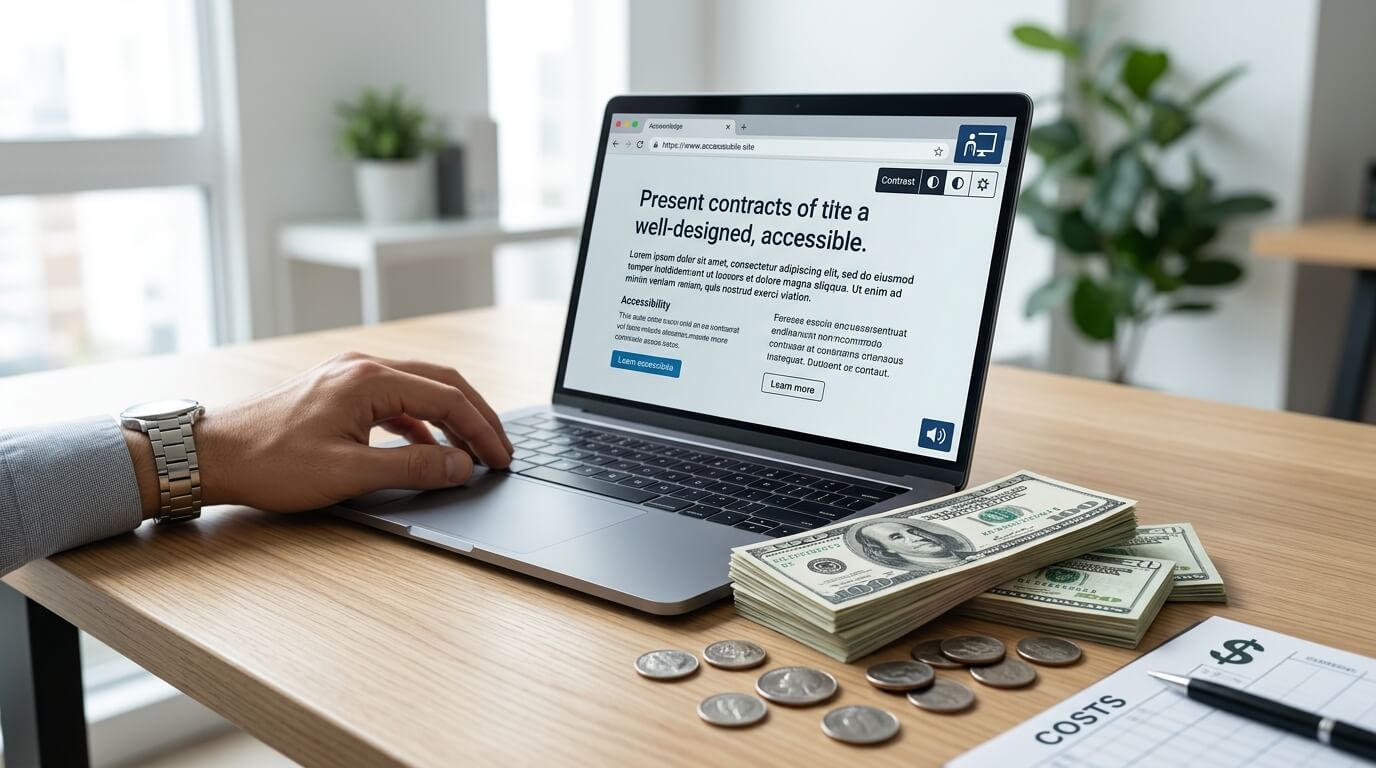
If you are planning to make your website accessible, one of the first questions you will probably ask is, "How much does website accessibility cost?"
The answer depends on several factors, including your website's size, the level of accessibility required, whether you aim to meet ADA and WCAG requirements, and whether you choose automated tools, manual testing, or a comprehensive accessibility solution.
The good news is that website accessibility no longer has to be expensive. Modern accessibility platforms like WebMax offer affordable monthly plans that help businesses improve digital accessibility without the high upfront costs traditionally associated with accessibility consulting.
In this guide, we will explain the factors that influence website accessibility pricing, compare common pricing models, and demonstrate how WebMax provides cost-effective accessibility solutions for businesses of all sizes.
What Determines the Cost of Website Accessibility?
Website accessibility is not a one-size-fits-all service. Pricing varies because every website is different
Some of the biggest factors that affect cost include:
- Number of website pages
- Monthly website traffic
- Existing accessibility issues
- WCAG compliance goals
- ADA compliance requirements
- Need for manual accessibility testing
- Ongoing accessibility monitoring
- VPAT documentation
- Accessibility remediation services
A simple business website may only need an accessibility widget and ongoing monitoring, while a large e-commerce platform or enterprise website may require detailed accessibility audits, manual remediation, and continuous compliance management.
Typical Website Accessibility Pricing
Across the industry, accessibility costs generally fall into several categories.
Accessibility Widgets
Accessibility widgets are usually the most affordable option. Businesses pay a monthly subscription that provides accessibility tools for visitors, while also helping to improve usability.
Prices commonly range from around $20 to over $150 per month, depending on traffic limits and included features.
Accessibility Audits
Professional accessibility audits typically cost anywhere from several hundred dollars to several thousand dollars, depending on website size and complexity. Manual audits provide much deeper insights than automated scans because accessibility experts evaluate keyboard navigation, screen reader compatibility, color contrast, forms, multimedia, and many other WCAG success criteria.
Accessibility Remediation
If a website has accessibility issues, developers must fix them. Remediation costs depend entirely on the number and severity of accessibility barriers. Small websites may only require a few hours of work, while enterprise websites can require weeks of development.
Ongoing Accessibility Monitoring
Accessibility is not a one-time project. Every time new content, products, or features are added, new accessibility issues can appear. Many organizations invest in ongoing monitoring to ensure their websites remain compliant over time.
Why Investing in Accessibility Makes Financial Sense
Some organizations hesitate because they see accessibility as another business expense. In reality, accessibility is often an investment that delivers long-term value.
An accessible website can:
- Reach millions of users with disabilities
- Improve user experience for everyone
- Increase customer satisfaction
- Reduce legal risks
- Support ADA and WCAG compliance goals
- Improve search engine optimization
- Increase conversions
- Strengthen brand reputatio
Instead of waiting until accessibility becomes a legal or customer service problem, many businesses choose proactive accessibility solutions.
WebMax Offers Affordable Website Accessibility Solutions
For businesses looking for an affordable way to begin their accessibility journey, WebMax offers the best website accessibility audit pricing plans designed for different traffic levels and business sizes.
Unlike many providers that charge large setup fees, WebMax uses a simple monthly subscription model that allows businesses to scale as their websites grow.
Standard Plan
The Standard plan starts at $39 per month. This plan supports websites with up to 100,000 page views and includes:
- Unlimited website pages
- Accessibility widget
- AI-powered screen reader
- ADA and WCAG compliance support
- Customer support within 48 hours
It is an excellent option for small businesses, startups, local organizations, blogs, and informational websites that want an affordable introduction to website accessibility.
Premium Plan
The Premium plan costs $59 per month. It increases the supported traffic to 1 million page views while adding priority support.
The plan includes:
- Unlimited website pages
- Accessibility widget
- AI-powered screen reader
- ADA and WCAG compliance support
- Priority customer support
Growing ecommerce businesses, educational institutions, and medium-sized companies often find this plan offers an excellent balance between affordability and scalability.
Express Plan
For larger websites with significant traffic, WebMax offers the Express plan for $99 per month.
This plan supports unlimited page views while including:
- Unlimited website pages
- Accessibility widget
- AI-powered screen reader
- ADA and WCAG compliance support
- Priority support
Organizations with high visitor volumes can maintain accessibility without worrying about traffic limitations.
What Makes WebMax Different?
Many accessibility vendors focus only on providing a widget. WebMax combines accessibility technology with broader accessibility support, helping businesses move toward compliance rather than simply installing another website plugin.
Some advantages include:
Unlimited Website Pages
Unlike some providers that limit page counts, WebMax supports unlimited pages across all subscription plans.
AI-Powered Screen Reader
The built-in AI-powered screen reader helps improve the browsing experience for users who rely on assistive technologies.
ADA and WCAG Support
WebMax is designed to help organizations work toward compliance with recognized accessibility standards, including the Americans with Disabilities Act (ADA) and the Web Content Accessibility Guidelines (WCAG).
Easy Installation
Getting started is straightforward. According to WebMax, the process involves three simple steps:
- Choose a plan.
- Install the widget code on your website.
- Begin improving website accessibility.
This simple onboarding process allows businesses to start benefiting from accessibility improvements quickly.
Is a Website Accessibility Widget Enough?
Accessibility widgets can improve user experience by providing features such as font resizing, contrast adjustments, reading assistance, and keyboard enhancements. However, no widget alone can guarantee full WCAG or ADA compliance.
A truly accessible website also requires:
- Accessible HTML structure
- Proper heading hierarchy
- Descriptive alternative text
- Keyboard accessibility
- Form labels
- Accessible PDFs
- Captioned videos
- Color contrast compliance
- ARIA implementation where appropriate
- Manual accessibility testing
The best accessibility strategy combines technology with ongoing accessibility improvements.
Small Business vs Enterprise Accessibility Costs
Small Business Websites
Small businesses generally spend the least because their websites are relatively simple. For many companies, a monthly accessibility subscription such as WebMax's Standard plan provides an affordable starting point while allowing future growth.
E-commerce Websites
Online stores often require more accessibility work because they include:
- Product catalogs
- Shopping carts
- Checkout pages
- Customer accounts
- Search functionality
- Product filters
These additional components increase testing and remediation requirements.
Enterprise Websites
Large organizations typically manage thousands of pages across multiple departments.
Their accessibility budgets may include:
- Accessibility audits
- VPAT documentation
- Developer remediation
- Continuous monitoring
- Accessibility consulting
- Employee training
For these organizations, accessibility becomes an ongoing operational investment rather than a one-time purchase.
Hidden Costs of Ignoring Accessibility
While businesses often focus on the cost of accessibility, they sometimes overlook the cost of doing nothing.
An inaccessible website can lead to:
- Lost customers
- Poor user experiences
- Negative brand perception
- Higher customer support requests
- Reduced search visibility
- Legal complaints
- Expensive emergency remediation
Addressing accessibility proactively is usually less expensive than fixing problems after complaints or legal action arise.
Choosing the Right Accessibility Plan
Before selecting an accessibility solution, ask yourself:
- How many monthly visitors does my website receive?
- Do I need ADA compliance support?
- Am I targeting WCAG conformance?
- Will my website continue growing?
- Do I need ongoing accessibility monitoring?
- Will I eventually require manual accessibility audits?
Your answers will help determine which accessibility solution offers the best value.
Final Take
Website accessibility costs vary depending on your website's complexity, compliance goals, and long-term accessibility strategy.
While enterprise accessibility projects can involve significant investments, modern accessibility platforms have made it much easier for businesses of all sizes to begin improving accessibility at a predictable monthly cost.
WebMax offers a straightforward pricing structure that starts at $39 per month, with higher tiers at $59 and $99 per month for websites with greater traffic and support requirements. Each plan includes unlimited website pages, an accessibility widget, an AI-powered screen reader, and support for ADA and WCAG compliance, making it an affordable option for organizations looking to create a more inclusive online experience.
Whether you operate a small business website or a high-traffic enterprise platform, investing in accessibility is an investment in better user experiences, broader audience reach, and a more inclusive digital future.