
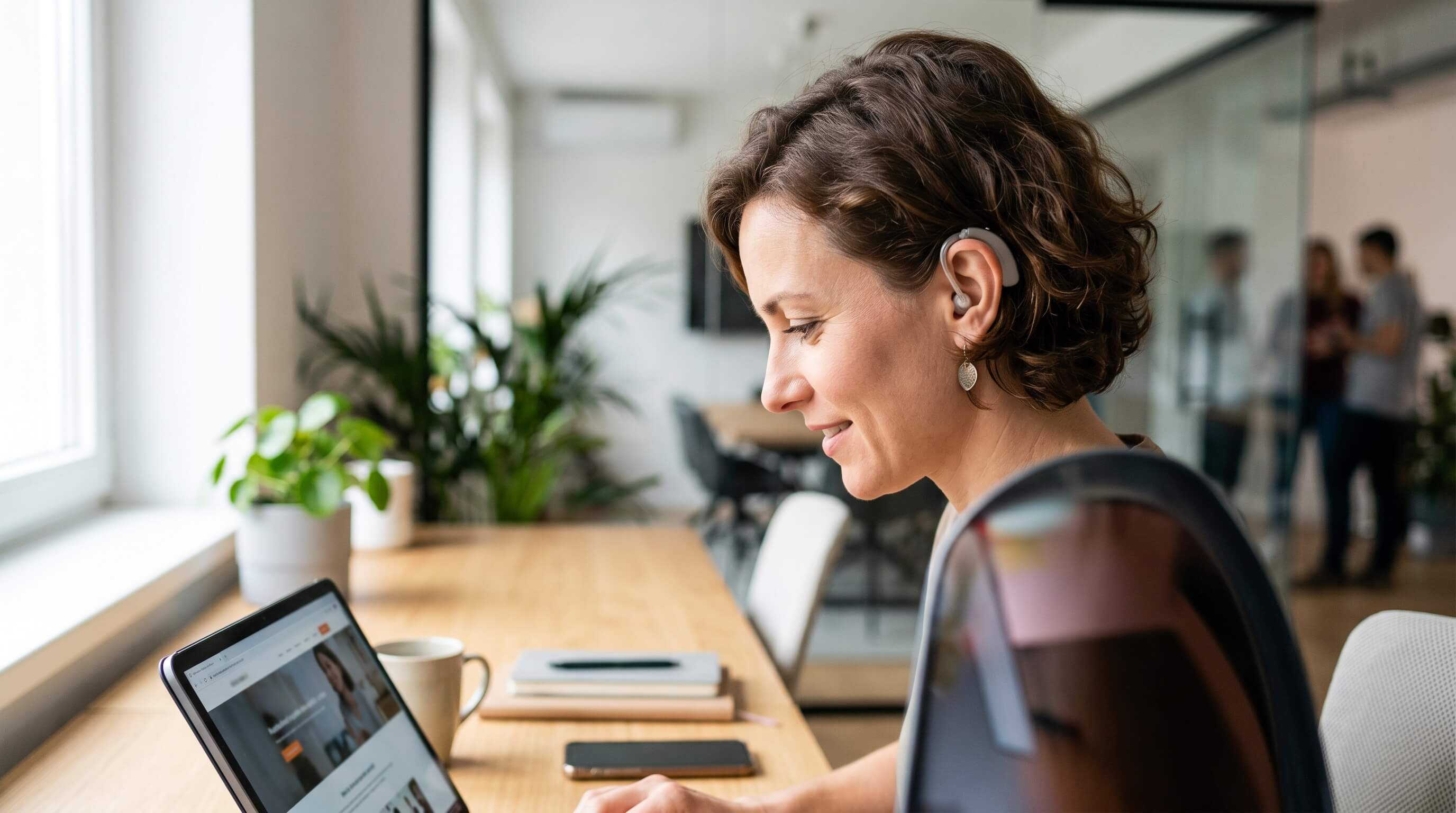
Every day, thousands and millions of videos and audio media are uploaded to websites and social media platforms. But have you ever thought whether all these videos and audio clips are accessible to all web audiences or not? The real answer is ‘No’! According to the World Health Organization (WHO), globally, more than 1.5 billion people suffer from some kind of hearing loss. It clearly shows that a huge number of people do not have access to online video and audio clips. In this modern digital age, website accessibility for deaf and hard of hearing is not about being compliant; it is about everyone’s right.
Making sure that Deaf users can access online information equally is a frequently neglected part of digital accessibility. In the UK, the Equality Act 2010 requires websites and digital platforms such as mobile applications, software, and PDFs to be accessible to people with disabilities, including individuals who are Deaf or hard of hearing. This legal obligation supports the wider aim of encouraging inclusivity and guaranteeing equal access to online information, services, and opportunities. You can easily improve the browsing experience for Deaf users by offering alternatives to audio-based material, including captions and written transcripts, enabling them to interact fully with the content.
The advantages of accessible web design go far beyond the Deaf community. An accessible website can reach a broader audience, helping organisations attract more users or customers. Captions and transcripts may also strengthen search engine optimisation (SEO) by supplying additional indexable text for search engines, which can help increase website traffic. Following recognised accessibility standards, such as the Web Content Accessibility Guidelines (WCAG), also supports compliance with global web standards and recommended practices, creating benefits for both businesses and users alike.
Keeping these points in consideration, below are several practical approaches to improve website accessibility for Deaf individuals, strengthen user engagement, and maintain compliance with accessibility requirements.
What is the Meaning of Hearing Impairments
According to the National Association of the Deaf, hearing loss varies depending on the severity of a person’s condition and the age of onset.
There are three primary categories of hearing impairment:
- Individuals who are Deaf with a capital “D” typically use sign language as their main form of communication and have been deaf for the majority of their lives.
- Individuals who are deaf with a lowercase “d” generally experience hearing loss later in life.
- People who are hard of hearing (HoH) have partial hearing loss rather than complete deafness, often caused by conditions such as conductive hearing loss, tinnitus, or sensorineural hearing impairment.
Types of Hearing Impairments
Conductive hearing loss: This occurs when problems in the outer or middle ear block sound from properly reaching the inner ear.
Sensorineural hearing loss: This type of hearing impairment is caused by damage to the inner ear, cochlea, or auditory nerve.
Tinnitus: Individuals with tinnitus may hear persistent ringing, buzzing, or similar noises in the ears, often linked to ageing or extended exposure to loud sounds
Auditory processing disorders (APD): These disorders affect the brain’s ability to process and interpret sounds correctly. People with APD may struggle to remember spoken information, distinguish important sounds from background noise, or understand language effectively.
Importance of Web Accessibility for People with Hearing Impairments
An accessible website ensures that users and customers with hearing impairments are not excluded and can enjoy an experience comparable to that of other web visitors. When a website is designed with accessibility in mind, people with hearing disabilities can fully access, interact with, and engage with its content, media, and features.
For businesses, making a website ADA-compliant demonstrates a commitment to inclusivity and a genuine effort to create a smoother, more user-friendly experience for everyone. In addition, improving accessibility can help reduce the risk of expensive and avoidable accessibility-related lawsuits, which continue to increase.Top 9 Tips to Improve Web Accessibility for Hearing Impairments
1. Offer Different Communication Methods
void relying solely on phone support, as many deaf or hard-of-hearing individuals may find phone conversations difficult. Instead, provide alternative contact options such as email, Skype(Now Teams), live chat, or online contact forms.2. Include Captions and Subtitles for Videos
People with hearing difficulties may not fully understand audio-based content. Add accurate subtitles or captions to all videos, including descriptions of background sounds such as applause, rain, or laughter.
Although automated captioning tools are becoming more reliable, it’s important to review captions carefully to ensure accuracy. Providing written transcripts or sign language versions can further improve accessibility.
3. Use Clear and Simple Language
For many deaf individuals, English may not be their primary language. Use straightforward wording, concise sentences, and direct communication. Avoid complex terminology or unnecessary jargon, and support information with visuals whenever possible.
4. Ensure Easy Website Navigation
Create a website layout that allows users with hearing impairments to locate information quickly and efficiently. Simple menus, logical navigation paths, and a visible search feature can make browsing much easier.
5. Organize Content Properly
A well-structured webpage improves readability and understanding. Use headings, paragraphs, bullet points, and lists to present information clearly. Proper HTML structure also enhances compatibility with assistive technologies.
6. Support Assistive Listening Technologies
Many deaf and hard-of-hearing users rely on assistive devices such as amplified phones, caption phones, TTY systems, alert systems, or text-to-911 services. These tools help users interpret audio and visual information more effectively.7. Review and Edit Captions Carefully
Automated captions may occasionally contain mistakes or inappropriate wording. Always proofread and edit captions before publishing content to ensure they are accurate and suitable for viewers.
8. Provide Summaries for Audio and Video Content
In addition to captions and transcripts, include brief summaries of audio or video materials. A concise overview helps hearing-impaired users better understand the purpose and key points of the content.
9. Create Flexible and Responsive Content
Modern devices such as smartphones and smartwatches can significantly assist deaf users in accessing information. Ensure your website content is adaptable, allowing compatibility with screen magnifiers, screen readers, and other accessibility tools. This flexibility benefits users with a wide range of disabilities.
How Can Webmax Help
Creating an accessible website for Deaf users goes beyond meeting compliance standards; it helps build an inclusive digital space where everyone can easily access and engage with your content.
For professional translation and accessibility support, you can reach out to Webmax. Our experienced team is dedicated to helping you create content that is more inclusive, user-friendly, and accessible to a wider audience. Start implementing these strategies today to enhance the accessibility of your digital platforms.